Content-sized Flutter views in native parents
Historically an embedded Flutter view needed a fixed size from its native parent. That made Flutter-inside-UIScrollView or RecyclerView painful.
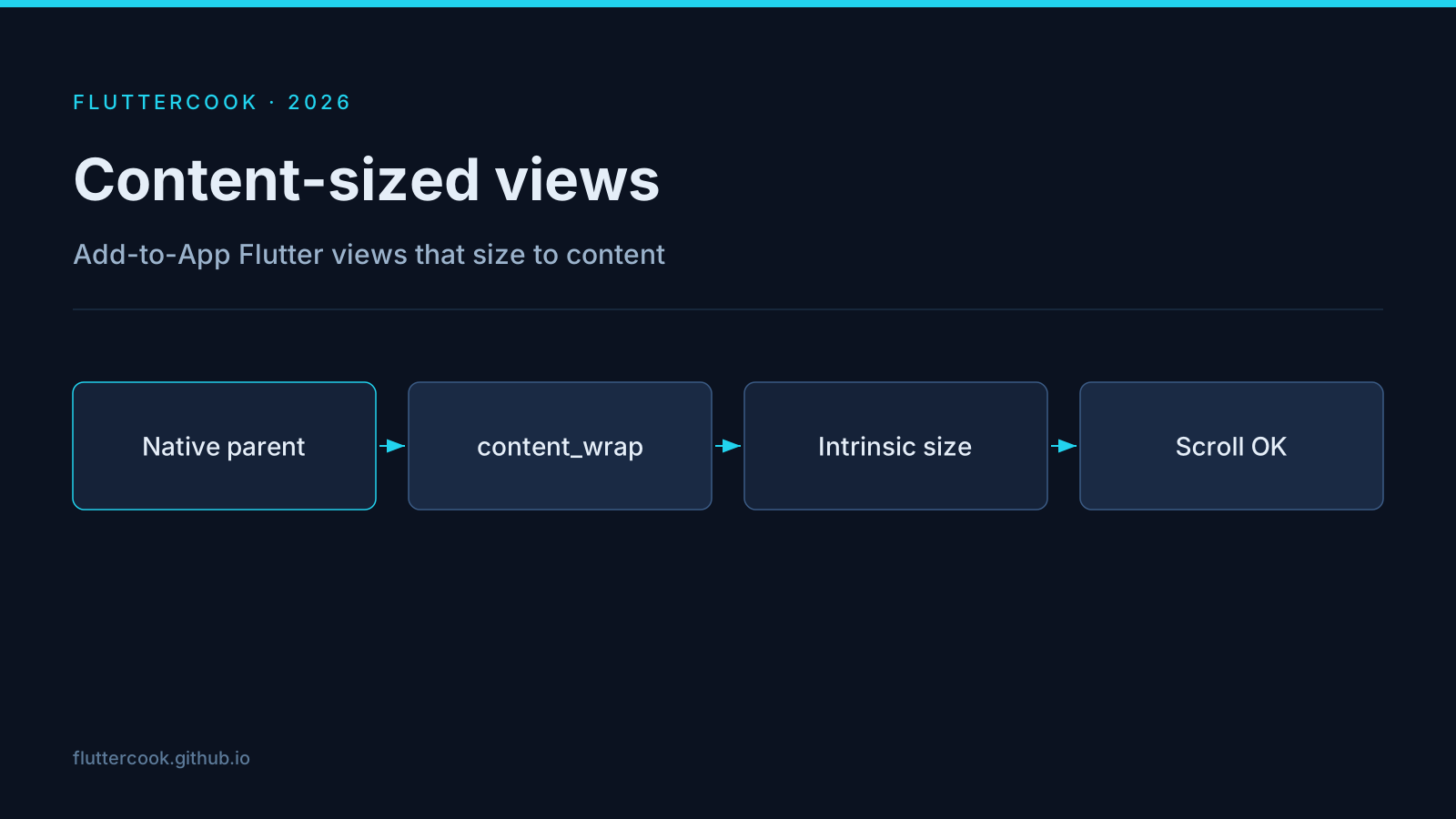
Enable content sizing
- iOS:
FlutterViewController.isAutoResizable = true - Android: set width/height of
FlutterViewtocontent_wrapand enable content sizing in the manifest/docs flow.
Root widget constraints
Your Flutter root must tolerate unbounded height (or width). Avoid a top-level ListView that expects a bounded viewport; prefer intrinsic-height layouts or a single-column with shrink-wrapped content.
Pitfalls
- Animations that assume a phone-sized viewport can overflow inside a native list cell.
- Measure jank: multiple embedded Flutter engines/views still cost memory.
- Coordinate with keyboard insets from the native side.