Hybrid Composition++: fixing Android platform views without the jank
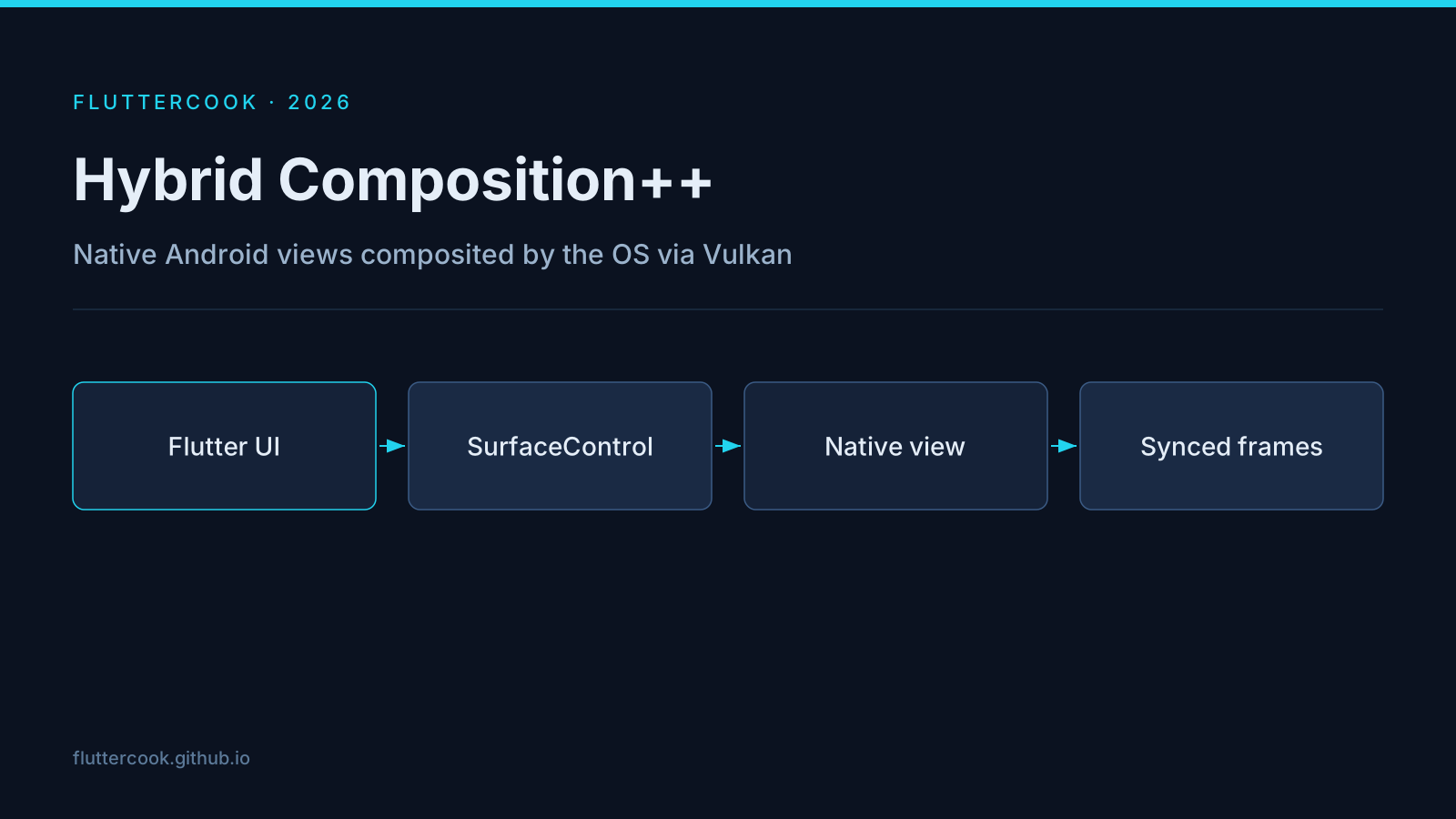
Embedding a WebView or Google Map used to force a tradeoff: Virtual Display (tearing, input quirks) or Hybrid Composition (higher CPU). Hybrid Composition++ (HCPP) lets Android own layer compositing through Vulkan hardware-buffer swapchains and SurfaceControl transactions, synchronized with the Flutter frame.
Enable HCPP
<meta-data
    android:name="io.flutter.embedding.android.EnableHcpp"
    android:value="true" />
Or run with --enable-hcpp. There is no new Dart API — existing platform views upgrade.
Requirements and limits
- API level and hardware support gates apply; not every device can use HCPP even when opted in.
SurfaceView-based content becomes realistic, which older modes struggled with.- Expect this to become the default rendering mode later — validate your maps/WebView product flows now.
What to measure
- Scroll FPS inside a
WebViewor map, not only the Flutter list around it. - Touch accuracy near the edges of the embedded view.
- Keyboard show/hide over the platform view.
If you still see tearing, confirm the flag is applied in the built manifest (flavors can overwrite it) and that you are not on a device below the support floor.