Desktop multi-window APIs: popups, dialogs, and windowHandle
Desktop apps need more than one surface: context menus, tool palettes, detached inspectors. Flutter’s experimental windowing APIs, accelerated by Canonical as Strategic Steward for Flutter Desktop, are how you get there.
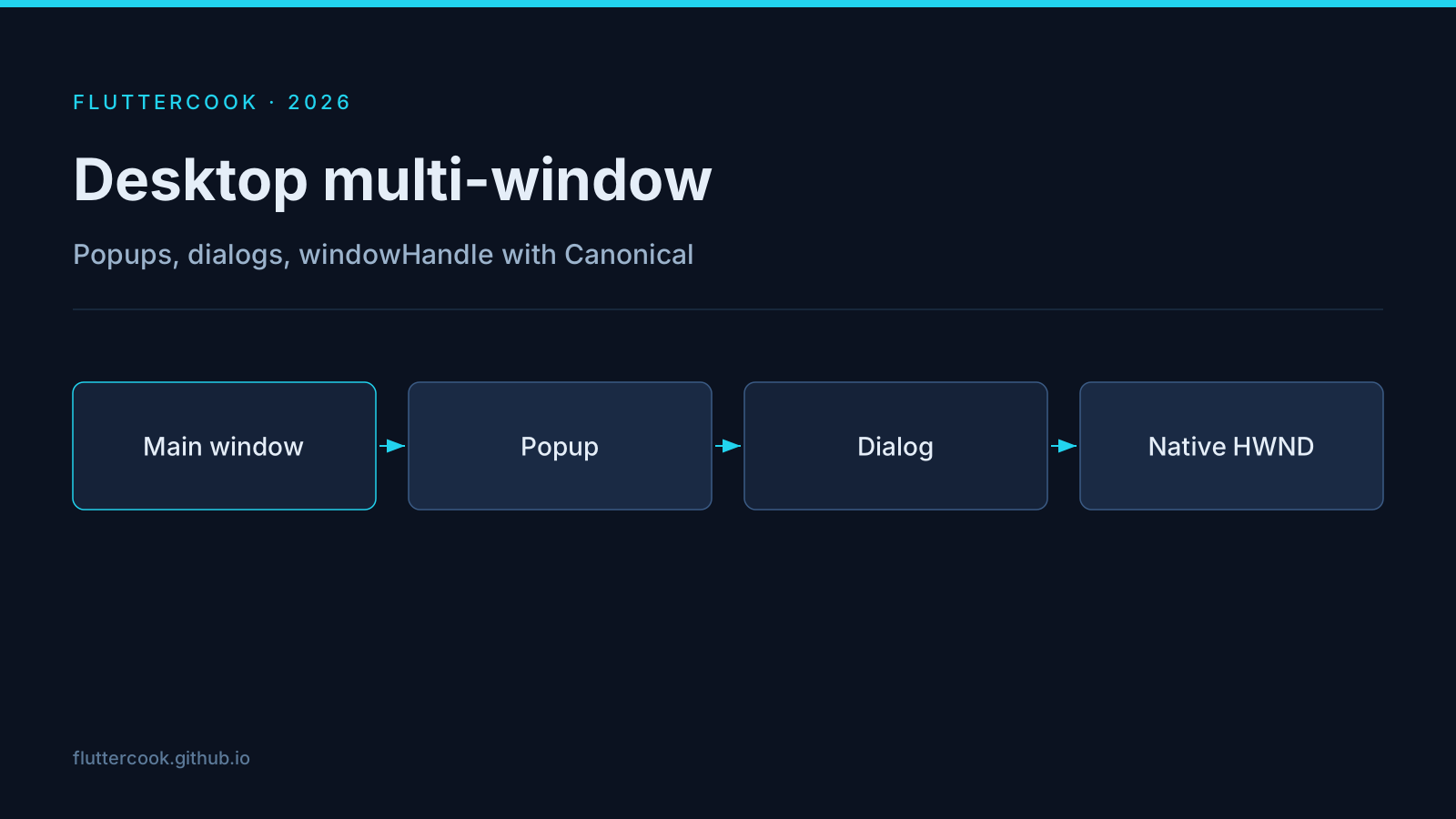
What landed through 3.44 → 3.47
- Tooltip and dialog windows across Linux/macOS/Windows.
- Popup windows on Linux and Windows (macOS earlier).
showDialogcan create a real child window on platforms that support windowing.- Content-sized windows and
windowHandle(HWND/NSWindow/GtkWindow) for advanced native integration.
When to use it
| Need | API direction |
|---|---|
| Context menu / palette | Popup window |
| Detached tool | Regular window + multi-window tests |
| Native docking | windowHandle + platform code |
Status warning
These APIs have been main-channel / experimental. Do not ship production multi-window as your only UX path without a fallback. Track the multiple_windows example and file issues against the embedders.
Practical tip
Design your feature so the primary workflow still works single-window. Multi-window should be an accelerator, not a hard dependency, until the APIs graduate.