Widget Previews are stable: iterate on UI without booting the whole app
Booting a full app to tweak a button is slow. Widget Preview renders individual widgets in isolation. After experimental cycles, it is stable in Flutter 3.47.
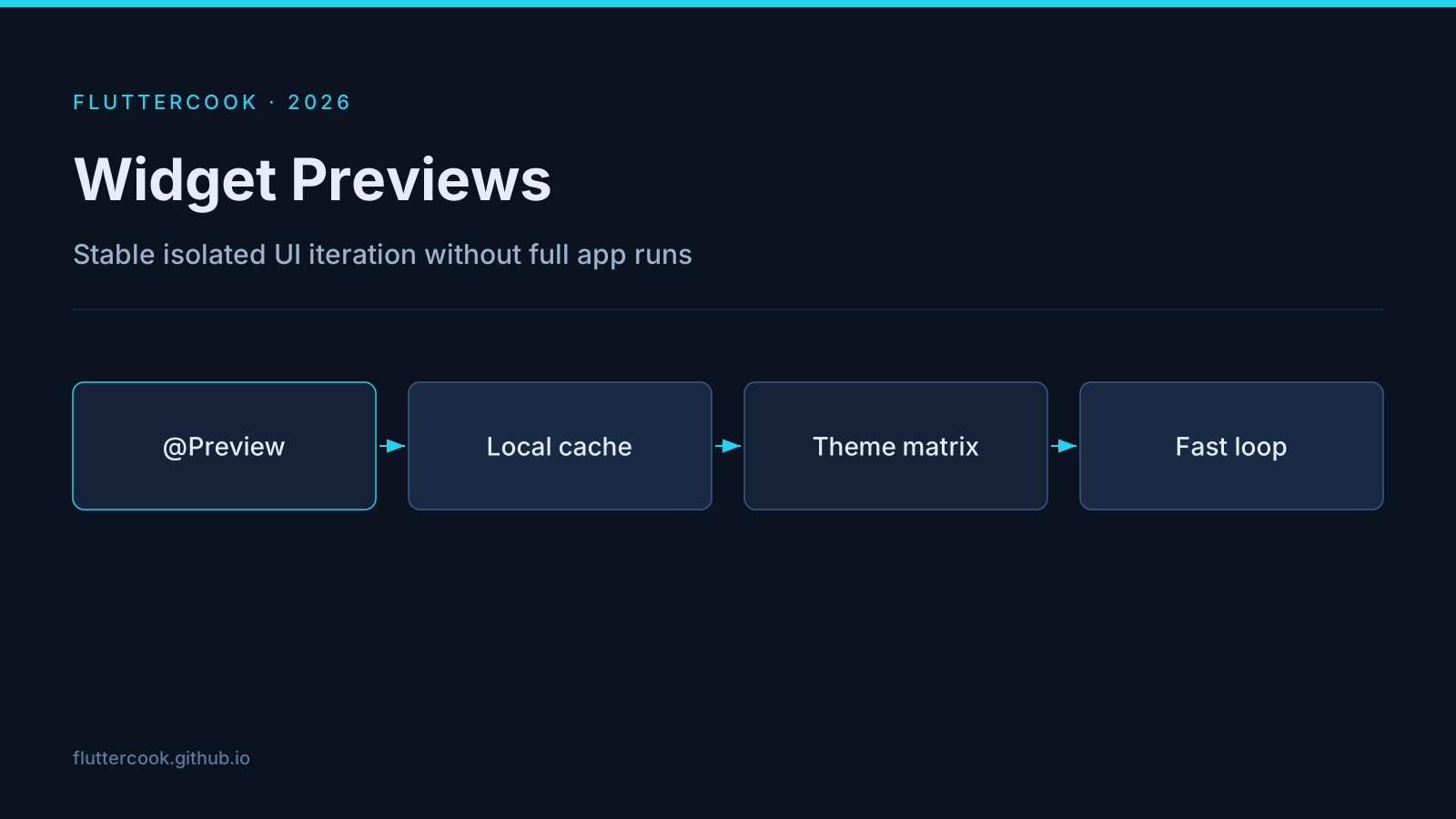
What stable means here
- Faster startup via a local
.widget_preview/cache. PreviewThemeDatafor sequential theme layering (matrix tests across seeds/contrast).- Automatic
web/asset sync when previewing web widgets.
Workflow that pays off
- Extract the widget you are changing into a previewable class.
- Add previews for default / dark / large-text / empty-data.
- Iterate until the preview is boring — then wire it into the app.
This is also the fastest loop for design-system work on material_ui / custom catalogs.
Pitfalls
- Previews that hit
dart:ioor platform channels will not run — isolate pure UI. - Do not put business logic in previews; put fixtures there.