ForUI: accessible headless components for Flutter
ForUI: accessible headless components for Flutter
forui is useful because it focuses on composable controls, theming, keyboard behavior, and accessibility. The important engineering move is to place the package behind a clear boundary, so your Flutter UI depends on a stable capability rather than a vendor-shaped API.
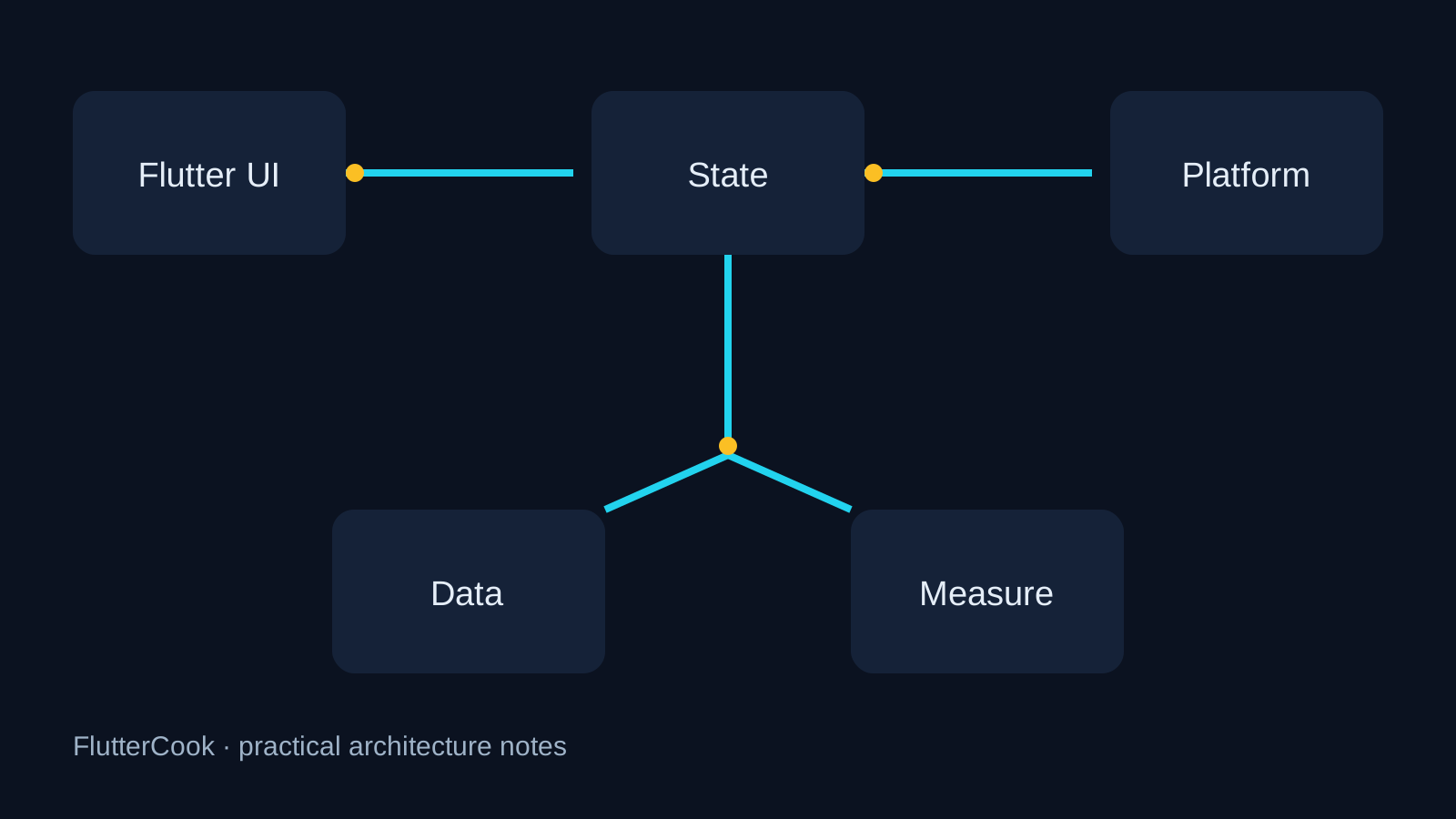
What the library should own
- Keep package calls inside a named adapter or feature boundary.
- Make lifecycle, errors, and loading state part of a testable contract.
- Expose only the capability the app needs; hide implementation details from the whole tree.
A focused starting point
FButton(
  onPress: submit,
  child: const Text('Save'),
);

FPopoverMenu(
  control: FButton(onPress: openMenu, child: const Text('More')),
  menu: [
    FPopoverMenuItem(onPress: archive, child: const Text('Archive')),
  ],
);
Production checklist
- Read the README and changelog for the exact version you pin.
- Add one test for lifecycle, failure, and app background/foreground behavior.
- Verify every platform your product supports, not only the developer machine.
- Record ownership, upgrade cadence, and rollback notes in the repository.
Common pitfall
Run semantics and keyboard tests on every supported platform; visual similarity is not accessibility.
Takeaway
A good open-source library does not replace architecture. It makes one difficult boundary clearer, observable, and easier to replace.