skeletonizer: loading UI from the real widget tree
skeletonizer: loading UI from the real widget tree
skeletonizer is useful because it focuses on fake data, skeleton annotations, layout stability, and accessibility. The important engineering move is to place the package behind a clear boundary, so your Flutter UI depends on a stable capability rather than a vendor-shaped API.
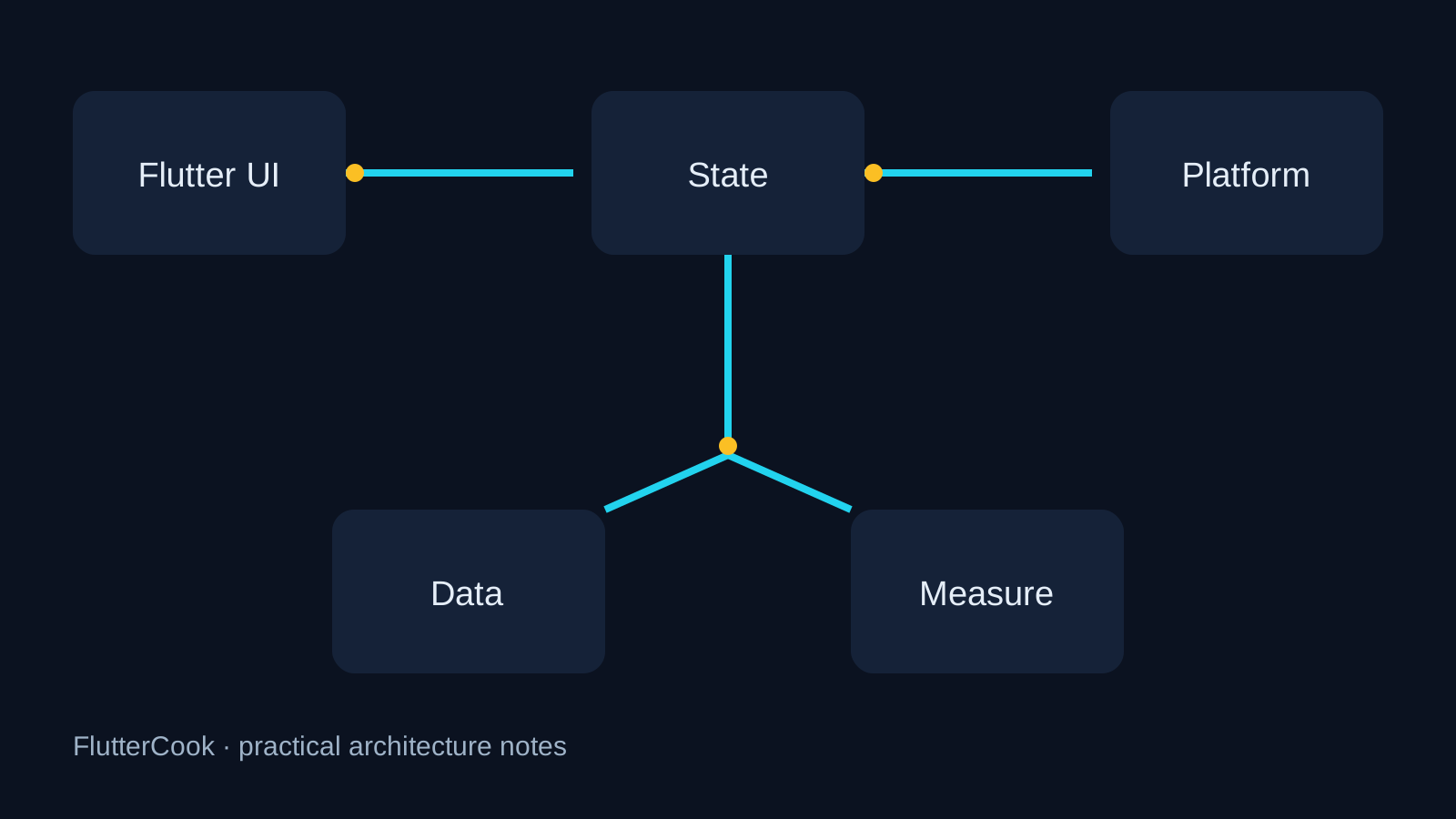
What the library should own
- Keep package calls inside a named adapter or feature boundary.
- Make lifecycle, errors, and loading state part of a testable contract.
- Expose only the capability the app needs; hide implementation details from the whole tree.
A focused starting point
Skeletonizer(
  enabled: state.isLoading,
  child: ListView.builder(
    itemCount: state.isLoading ? 6 : state.items.length,
    itemBuilder: (_, index) => ProductTile(
      product: state.isLoading ? Product.fake() : state.items[index],
    ),
  ),
);
Production checklist
- Read the README and changelog for the exact version you pin.
- Add one test for lifecycle, failure, and app background/foreground behavior.
- Verify every platform your product supports, not only the developer machine.
- Record ownership, upgrade cadence, and rollback notes in the repository.
Common pitfall
Use structurally realistic fake data; empty strings create skeletons that do not match the loaded layout.
Takeaway
A good open-source library does not replace architecture. It makes one difficult boundary clearer, observable, and easier to replace.